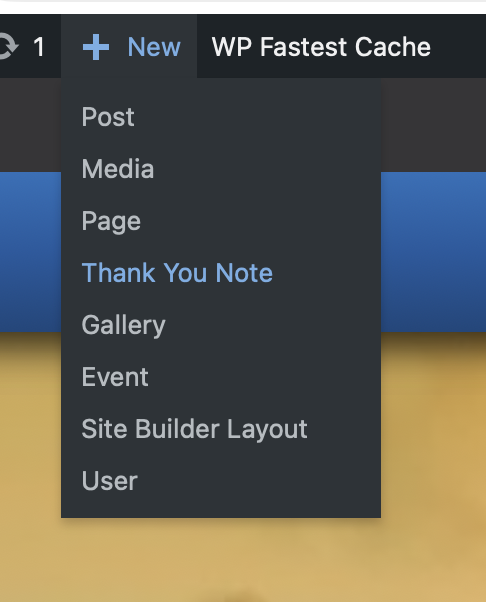
Login and hover of +New in admin menu and click on “Thank Your Note”
Add the names of the “Thank You Note Sender” Under the “Add New Thank Your Note”

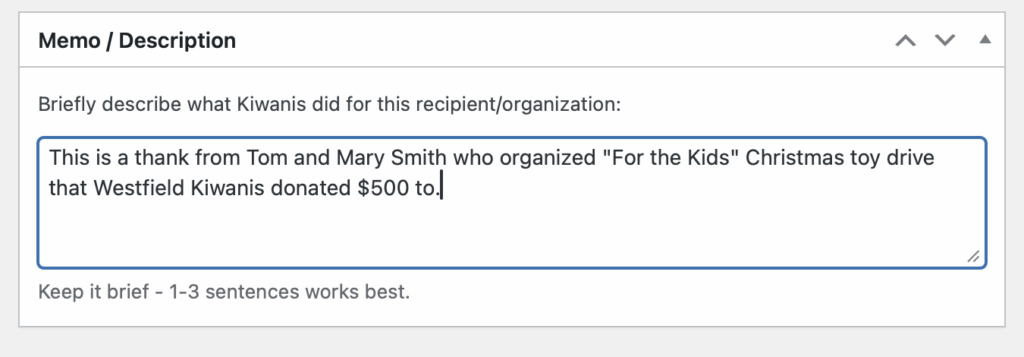
Add a description of what they sender is thanking the Kiwanis Westfield Club for
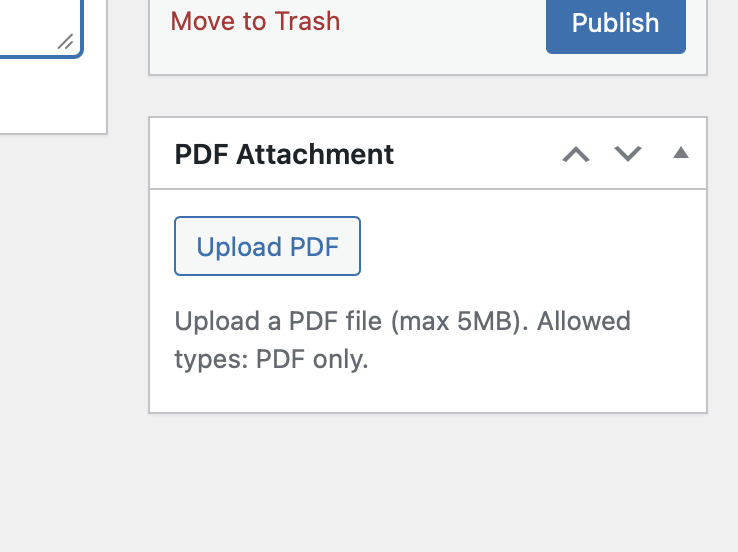
Attach a PDF Document by clicking on “Upload PDF”
Select “Media Library” if you’ve already uploaded the PDF to the site, otherwise click “Upload Files” and then select or upload your PDF document.

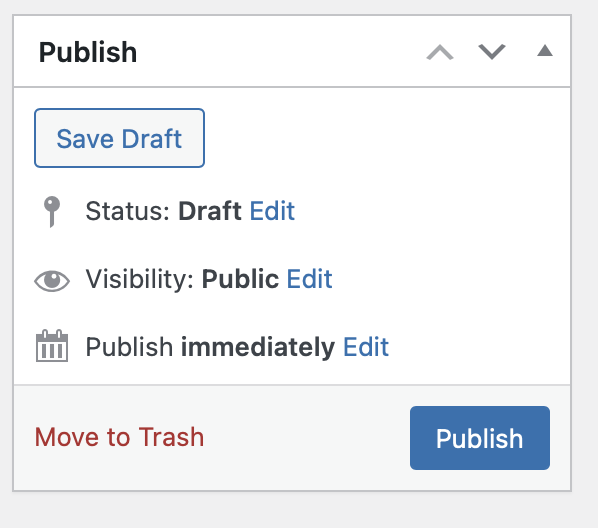
Click the blue Publish button.