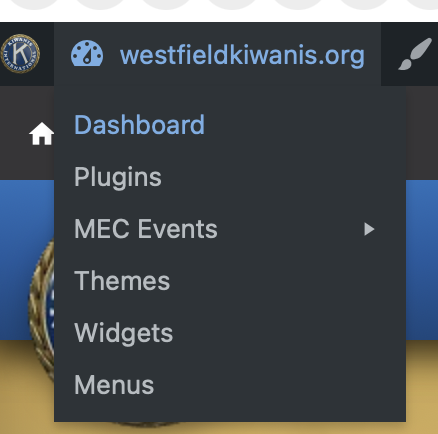
Login and hover over “westfieldkiwanis.org” and the admin menu and click on “Dashboard”
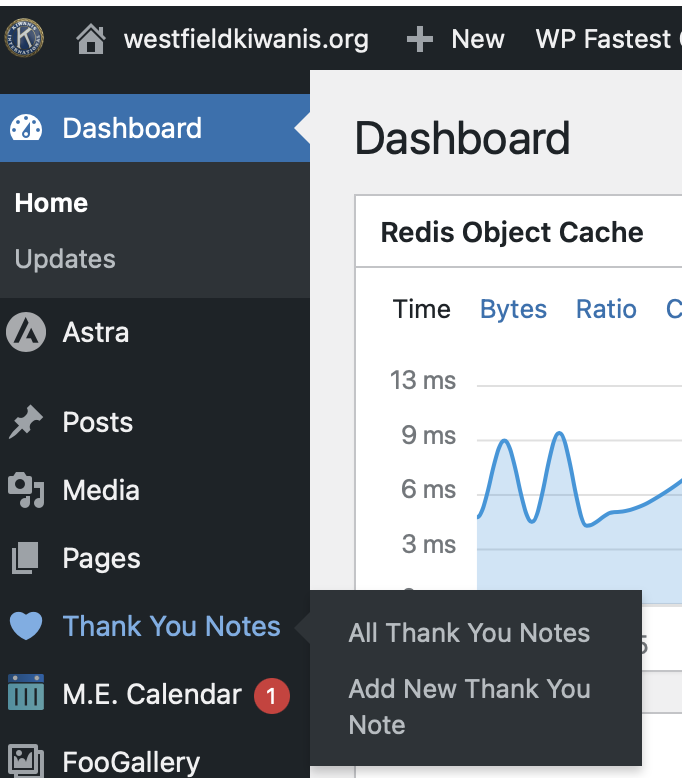
Click on “Thank You Notes” from the menu on the left side
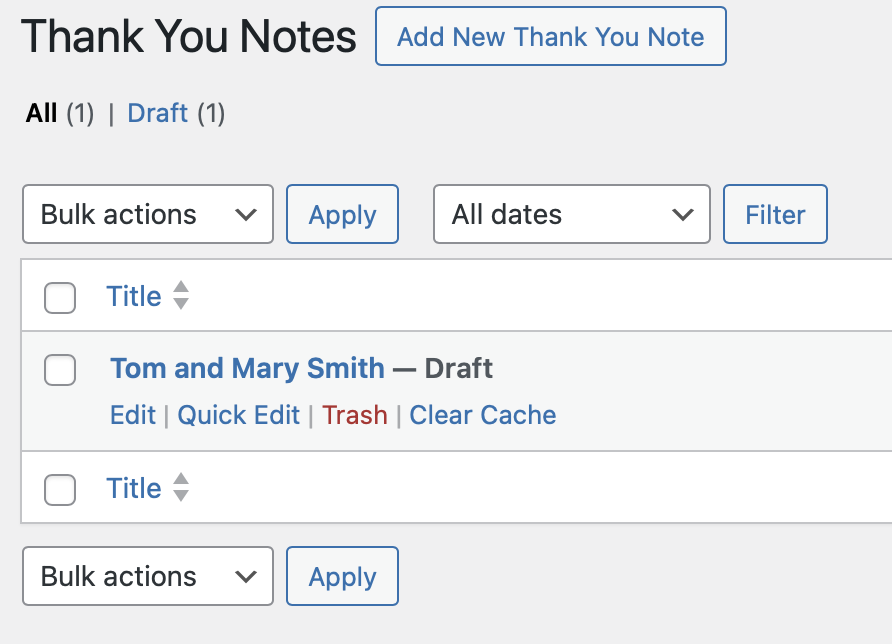
Hover over an existing Thank Your Note to Edit, Quick Edit or Trash a Note
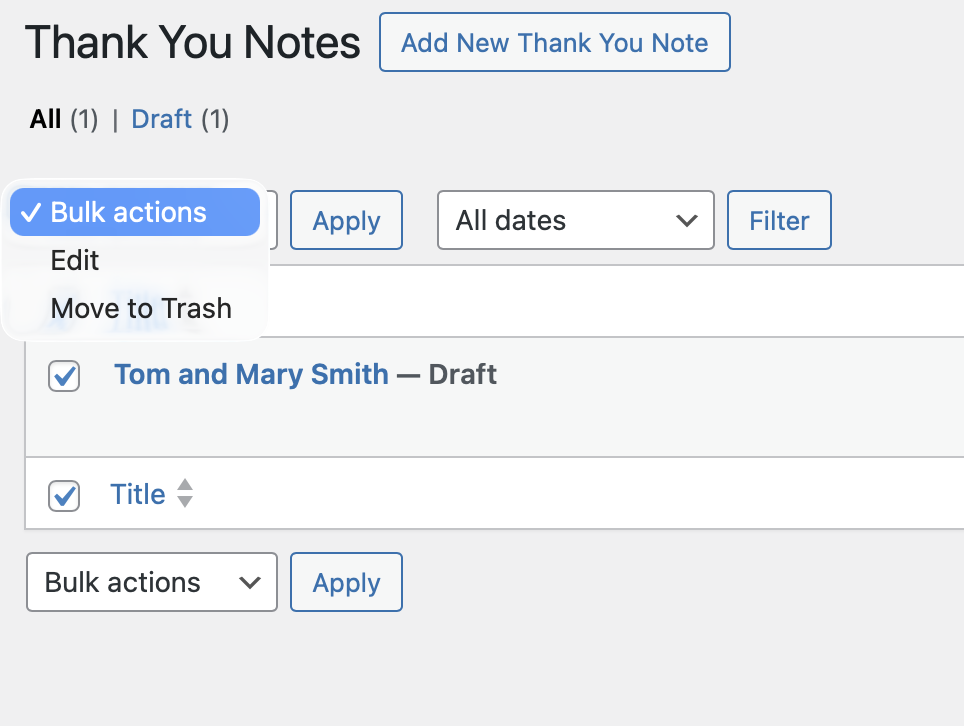
To perform operations on multiple notes at once, place a check next to each note and select the “Bulk action” you want to execute on each note and click “Apply”